Published by ReviewRemoval. Authorship, sources and correction standards.
On this page
Open the image that concerns you. A business owner can request removal of a customer’s Google Maps photo if it violates policy. The reporting control for the photo lets you identify the exact image, even when it appears alongside a written review. Google’s photo reporting instructions.
Find where the image was posted
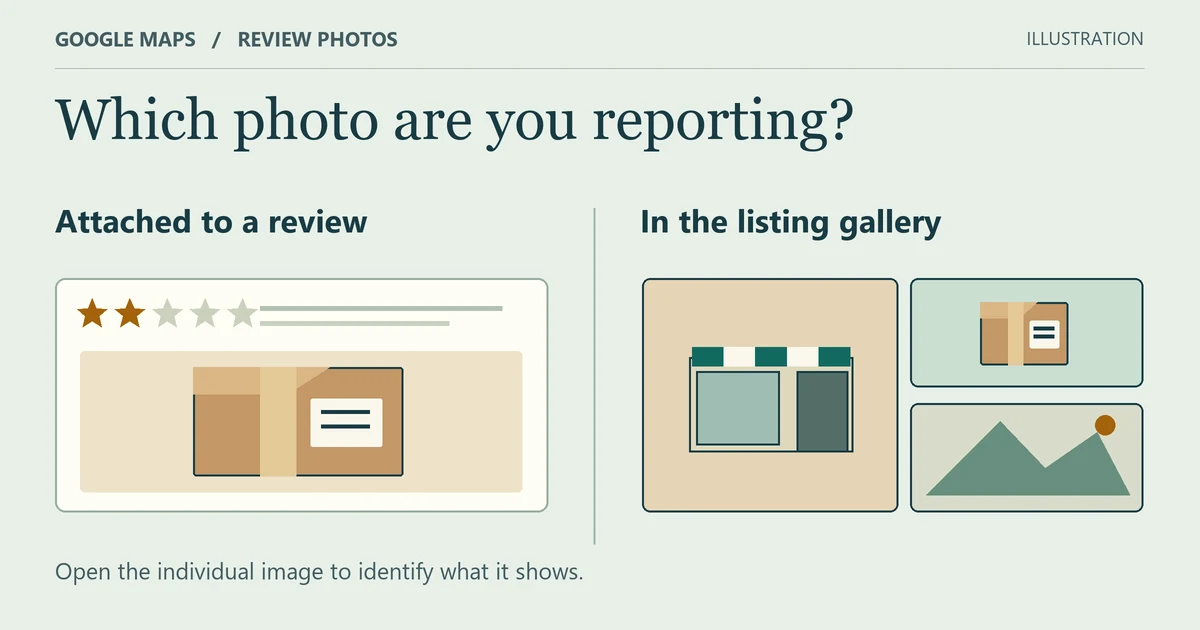
Beside a rating. If the image sits under a customer’s stars and text, save the review link and note which image is involved. If the text describes an ordinary complaint, the image may be the only part you need to flag. If the wording itself raises a policy issue, use the report control on the review and identify that issue separately. Google’s review reporting instructions.
In the listing’s photo gallery. Open the customer image itself. If another branch’s shopfront has turned up in your gallery, you can report the mismatch without hunting for a written review that may never have existed.
In a visitor update. In the Maps app, a customer can post several photos with one update. To report the whole update, open your profile’s Updates section, choose By visitors then select More and Report on the update. To flag one image, find it in Photos. Google’s guide to visitor photo updates.
How to report the photo in Search or Maps
- On a computer using Google Search, open the Business Profile you manage. In Photos, choose View all photos, select the customer image and click Report a problem.
- On a phone using Google Maps, tap Business, then See Business Profile and Photos. Tap the image, open its menu and select Report.
Choose the available reason that fits what is visible, then submit once. Google says repeated requests for the same image can slow its review. You can save the date, the branch and a short description of the image for the colleague who checks back. Current photo controls and reporting reasons.
What makes a useful photo report?
Here are three fictional cases from the perspective of a shop manager reviewing the gallery.
- Wrong premises. A photo on a Halifax shop’s listing shows a different shop name and street number on the awning. Record those visible differences and the correct listing address. The reason for reporting is something anyone checking the two can verify.
- Customer information in the background. The second image on a review shows a parcel label with somebody’s home address. Identify the parcel label and where it appears. Keep the address out of any public reply or initial assessment request. See examples of private information on Google reviews.
- An unflattering but accurate photo. A photograph shows boxes in the aisle on delivery day. A clearer picture of the tidied shop could help future visitors, but preferring how the aisle looks now gives little basis to report the older photo. Check Google’s Maps content policies.
Will removing the photo change the star rating?
A visitor photo update contributes no stars to your score. Where a photo accompanies a rated review, the image and the rating are different parts of the contribution. If you flagged the image and it disappears, open the review link again to see whether the text and stars are still there. Record the outcome you can actually see. If a customer adds the image later, compare the current post with your reply. What to do when a Google review is edited. Google’s explanation of review types and photo updates.
Need help with a specific review?
If a photo is attached to a review and you’re unsure which part raises a policy issue, send the public review link for a free assessment. Describe the detail in words and keep sensitive images private.
Ask about a Google review