Published by ReviewRemoval. Authorship, sources and correction standards.
On this page
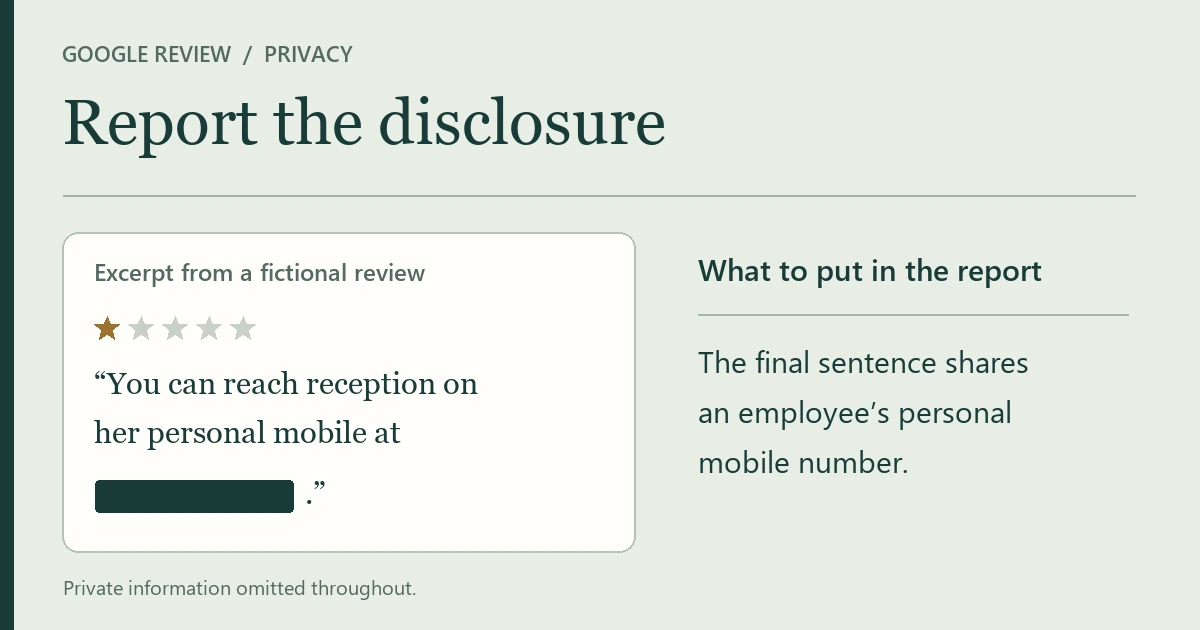
If a review gives out a receptionist’s personal mobile number or identifies another patient and describes their care, save the public review link and report the disclosure. You can start with Google’s free Reviews Management Tool. Keep the sensitive detail out of your public reply.
Which details can you report?
Google’s personal information policy covers details about a living, identifiable person where exposure could put them at risk. It addresses information shared without consent and specifically covers sensitive information such as medical or identifying records. Context matters when a name or phone number appears. Read the personal information section of Google’s Maps content policy.
| What appears in the review | What to document privately | What the first assessment needs |
|---|---|---|
| A photo of a delivery label showing “[private address removed]” | Note which photo reveals the home address and how you know it belongs to a private individual. | The review link, the photo’s position and the words “home address on a label.” Leave out the address. |
| A receptionist’s personal mobile number | Check whose number it is and whether the business publishes it as a contact number. | Identify the sentence and say how you know the number is private. Google allows merchants to publish business contact details. |
| The booking number printed on the clinic’s own website | Keep the public contact page showing how the clinic advertises that number. | Say that this is the published business line. If the post also contains a private number, identify its location separately. |
| A doctor named in a complaint | Check whether the doctor practises publicly under that name. Separately note any disclosure about another patient. | Specify which detail raises the concern. Google allows the names of public-facing professionals who do business under their names. |
| “I waited 45 minutes for my appointment.” | The reviewer described their own experience and identified nobody else. | This wording alone gives no privacy reason to report it. The practice can acknowledge the delay without discussing an individual booking. |
Scroll across to read all three columns.
A child-care centre faces a similar decision when replying to a parent. It can explain how to raise a concern privately without confirming whether a child attends. Read the guide for child-care centres.
What should you save privately?
- Copy the review link and note the date you saw it. Identify the exact sentence or attached image by its position. If the disclosure is in a picture, see how to report the individual photo.
- Keep a screenshot in a restricted location if you need a record. Redact the identifying detail from any copy you share for advice. Avoid sending a whole patient file, contact list or unredacted ID.
- Write one sentence explaining whose information appears and why it is private. If you know the person did not consent, explain how you know. Leave uncertain facts out.
Example case note
“The final sentence gives our receptionist’s personal mobile number. Our practice uses a different, publicly listed booking number. The receptionist confirmed they did not agree to have their number posted.”
This fictional note gives a reviewer a specific place to look. It also lets colleagues discuss the issue without forwarding the number. Use the review evidence checklist.
Report the disclosure and check the decision
While signed in to the account that manages your Google Business Profile, open the review, select Report, then choose the closest available reason and submit. You can also file the report and check its status in the Reviews Management Tool.
If the decision is pending, save the date and return to the tool for the result. If Google finds no violation, check whether the tool offers a one-time appeal. Use it to explain the specific detail the first assessment may have missed. If an appeal is already escalated, check the associated email for the decision. Google’s official reporting and appeal instructions · How to read a Google review appeal status.
When is a professional assessment useful?
You might want a second opinion if a review mixes a genuine complaint with sensitive details, or if you have one appeal left and need to explain why the information is private. ReviewRemoval’s initial assessment is free for Canadian businesses. Share the public link and the type of detail involved. No Google password is needed.
If you choose paid help after the assessment, the fee is CAD $50 upfront per review you approve plus CAD $125 for each review successfully removed. We can prepare the policy explanation and follow up within the agreed scope. See pricing and a worked example.
Need help with a specific review?
Send the public review link and a brief description of what it exposes. Leave out the private detail itself. We can assess the policy issue and explain any paid work before you decide.
Request an assessment of this disclosure