Published by ReviewRemoval. Authorship, sources and correction standards.
On this page
If a Google review describes a different business, make a note of the sentence that gives it away. An exact address, a venue name or a service offered at only one branch is more useful than the fact that nobody remembers the customer. Google’s Maps policy connects reviews to experiences at the place being reviewed. Google’s Maps content policy, including off-topic content.
Put the two locations side by side
- Open the listing that actually received the review. Save the individual review link and the listed street address. A screenshot of a brand name by itself can look identical at every branch.
- Find the place the wording points to. Compare the named street, neighbourhood, facility or service with each branch’s public page. If a service recently moved, check which location offered it at the time of the visit.
- Check whether both branches took part. One might accept an order and the other fulfil it. A customer might phone one location about a purchase at another. A reference to a second city alone rarely resolves which team the complaint concerns.
An Ottawa garden-centre mix-up
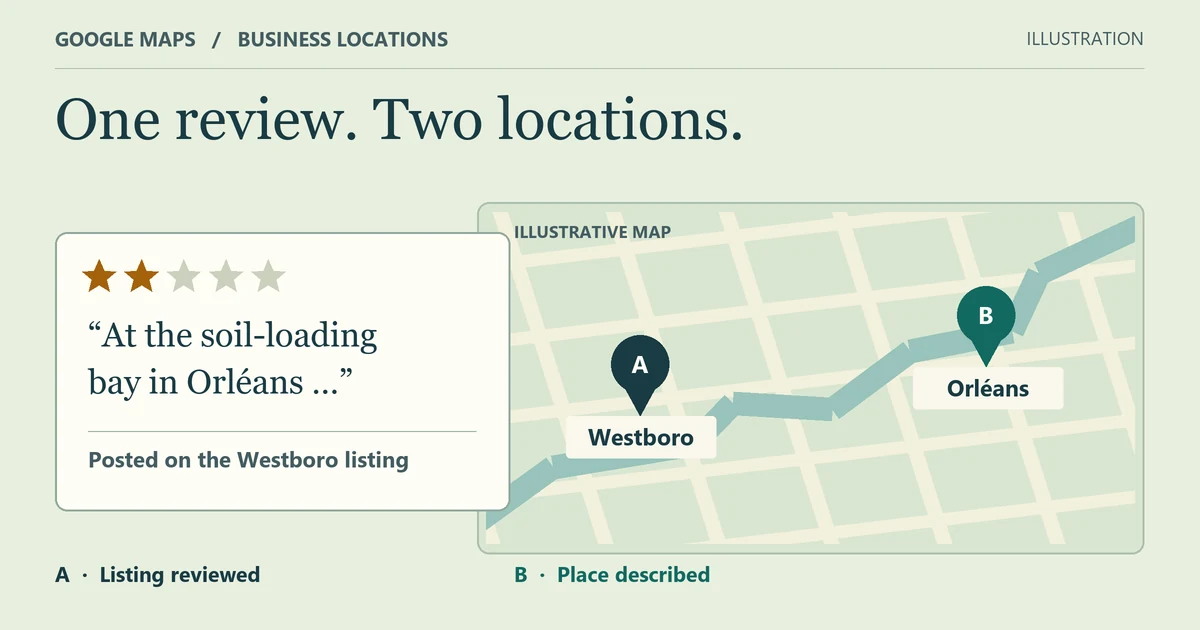
Suppose the same retailer runs a small Westboro flower shop and an Orléans garden centre. A two-star review on the Westboro profile says, “We waited at the soil-loading bay in Orléans.” The owner opens both public branch pages. The Orléans page lists bulk soil pickup. The Westboro shop sells bouquets. Here is a case note the manager could prepare for this fictional example.
“This review appears on our Westboro flower-shop listing. The writer identifies the Orléans loading bay. Our location pages show the addresses and list bulk soil pickup at Orléans. Please assess the review against the place where it appears.”
Keep those two public links beside the review URL. If the post had said only “I waited too long,” the branch manager would have no geographical clue to check. Even with a clear street name, first check whether the Westboro team booked or handled part of the order.
What to say to the reviewer, and when to report
A brief reply can help when the location is ambiguous. For example, “This is our Westboro flower shop. Was your visit to the Orléans garden centre? We’d like to get the feedback to the right team.” The reviewer controls their own contribution and can edit or delete it. Give them room to clarify where the problem happened. Google’s instructions for people who want to change their own review.
If the public facts support a location mismatch, open the affected listing, report the review and choose the available reason that fits. Save the status with that branch’s URL. For several locations, the Google review case tracker lets the next manager find the original report. If there is already a decision, check the available appeal route before filing again. Google’s review reporting and status instructions.
Did several old reviews appear together?
A collection of old reviews appearing after a relocation or profile change calls for a different check. Find the old and current profiles and record when the business moved. Google has separate guidance on when reviews can follow a business to a new profile. Look there before treating each historical review as an individual wrong-branch complaint. Google’s guidance on moving reviews across Business Profiles.
Need help with a specific review?
Send the review link, the affected branch and the location detail that seems inconsistent. We can assess the mismatch before you decide whether to approve paid work.
Assess a misplaced Google review