Published by ReviewRemoval. Authorship, sources and correction standards.
On this page
A referral sends a prospective seller to Google to check your name. There they see a complaint about missed showings from a branch you’ve never worked at. ReviewRemoval helps Canadian agents and brokerages assess reviews like this and prepare reports when the evidence points to a Google policy violation.
Request a free brokerage assessment
Start with the exact profile
An agent, a brokerage and one of its branches can appear in the same search. Google’s rules distinguish a public-facing practitioner from the organization and give different guidance when several practitioners share a location. Before you report anything, open the review and save a link to the listing that hosts it. Earlier office names and similar agent names can make the wrong profile look plausible. Google Business Profile guidelines for individual practitioners.
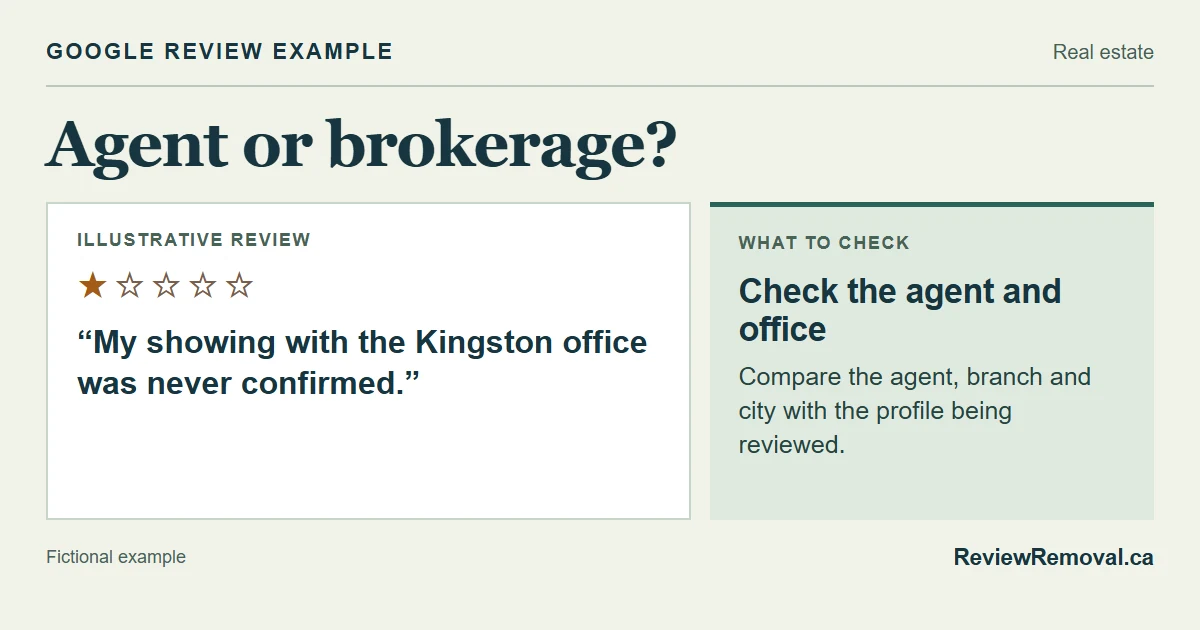
Consider a fictional example. A review on a Hamilton agent’s listing mentions a different agent and an appointment at a Kingston office. Copy the lines that identify the office and find a public page confirming which brokerage operates it. If the reviewer only mentions a street name shared by both cities, the details may be too thin to establish a mismatch.

Make a short evidence file
- Pin down the review. Save its direct link, the date, a screenshot and the name of the profile where it appears.
- Check the relationship. A reviewer may have attended a consultation, toured a property or dealt with your team from the other side of a transaction. Check for those interactions when there’s no closed deal in your records.
- Find the clearest fact for the report. Point out the other brokerage, person or location the post describes. If you suspect a conflict of interest, look for evidence that connects the reviewer to the competing or affiliated business.
Google’s policies cover fake engagement and certain conflicts of interest. Genuine criticism about responsiveness, negotiation or fees belongs in your client-feedback process. Keep offers, addresses and client details out of public replies and the initial assessment. Google Maps review policies · ReviewRemoval’s evidence checklist.
Protect the handoff after a referral
The Real Estate Council of Ontario encourages consumers to interview several agents and check references. Make it easy for a referred seller to match your public profile to your brokerage website. Use current contact details and give prospects a clear way to request a conversation. RECO’s consumer guide to choosing an agent.
Ask first-time callers who referred them and whether they also looked you up. Track booked consultations alongside those answers. A lead can start with a personal recommendation and still depend on what the client sees online. If you want to estimate how much one ineligible rating could change the displayed score, start with the total review count and current average. See the rating impact model.
Let ReviewRemoval check the evidence
Bring the public review link, the affected profile and a short explanation of the mismatch. The initial assessment is free. If you approve the scope, we prepare the report and handle agreed follow-up, including an eligible appeal. Paid work costs CAD $50 upfront per approved review plus CAD $125 for each successful removal, before applicable taxes. See ReviewRemoval’s pricing and examples.
Need help with a specific review?
Share the affected public Google profile or review link and the detail that connects the review to another agent or business.
Request a free brokerage assessment